


Patient management
How to create a customer category
Adding, editing and deleting the categories that group patients by treatment or area of interest.
Where to find it
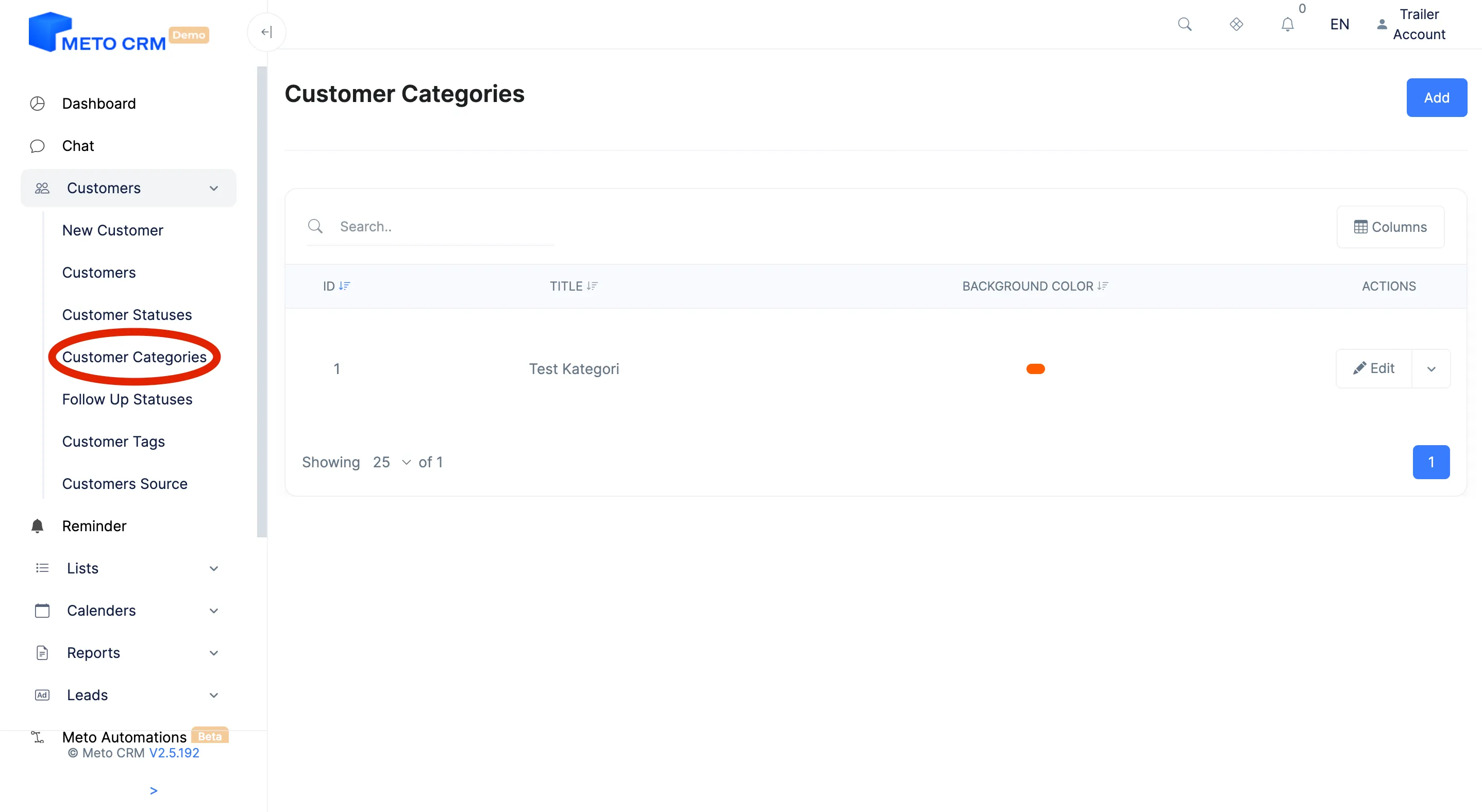
CustomersCustomer Category
The customer category classifies what the patient wants: hair transplant, dental, bariatric surgery, aesthetics. The source says where they came from; the category says what they are after.
It earns its keep in two places: routing to the right consultant, and campaign planning. Only by measuring both together do you see which treatment comes from which channel.
Step by step
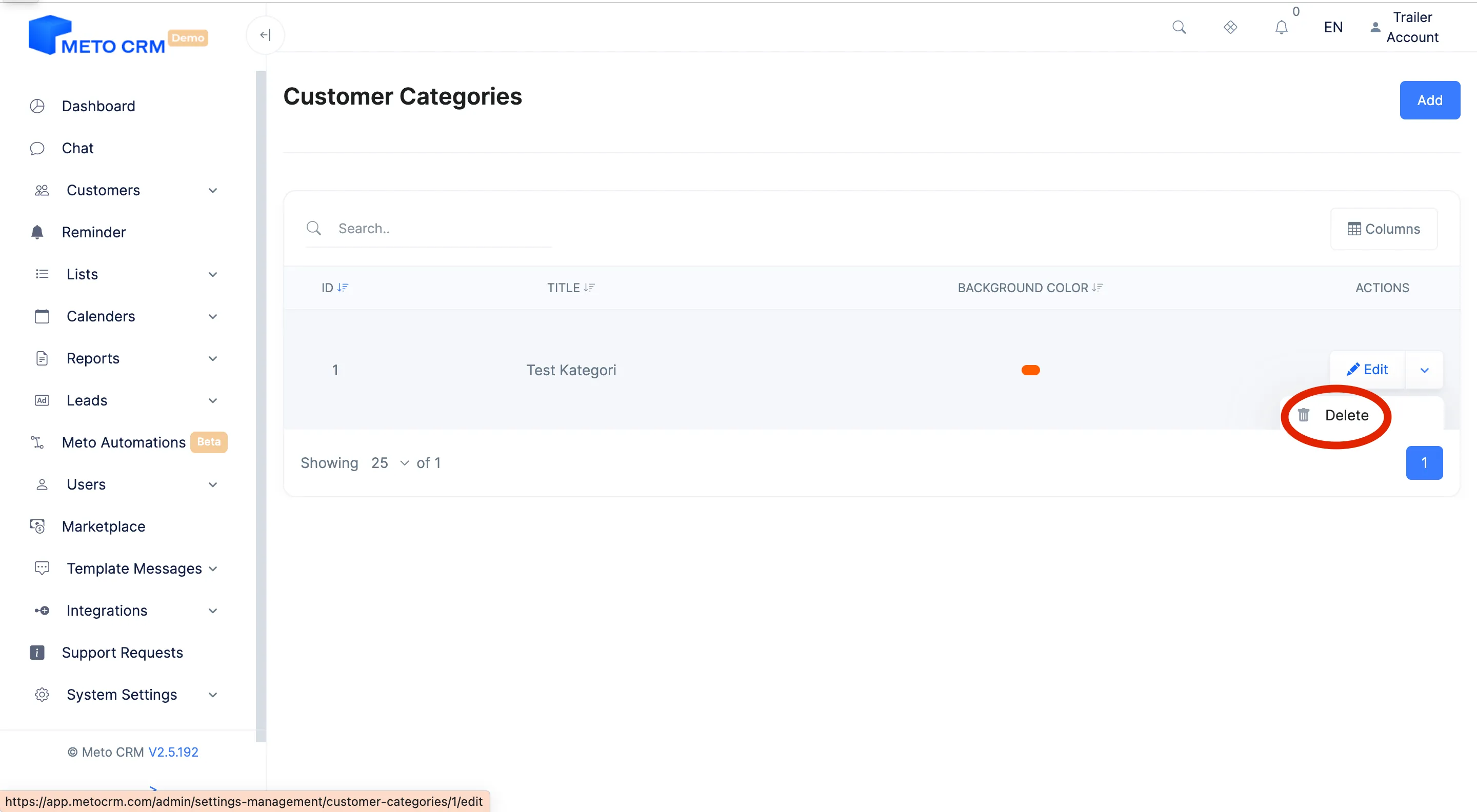
- Open the Customer Category page from the Customers main menu.
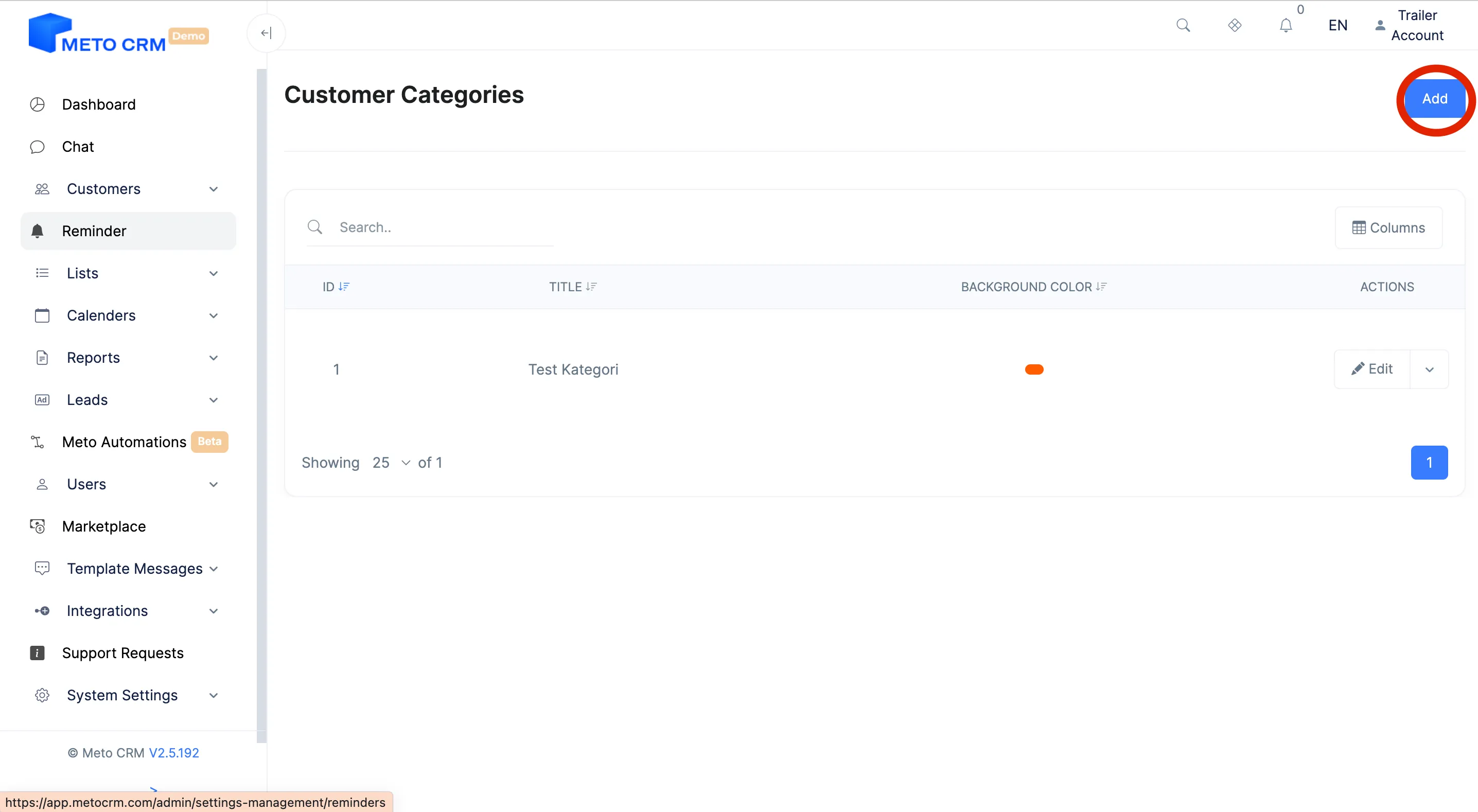
- Click the Add button on the upper right.
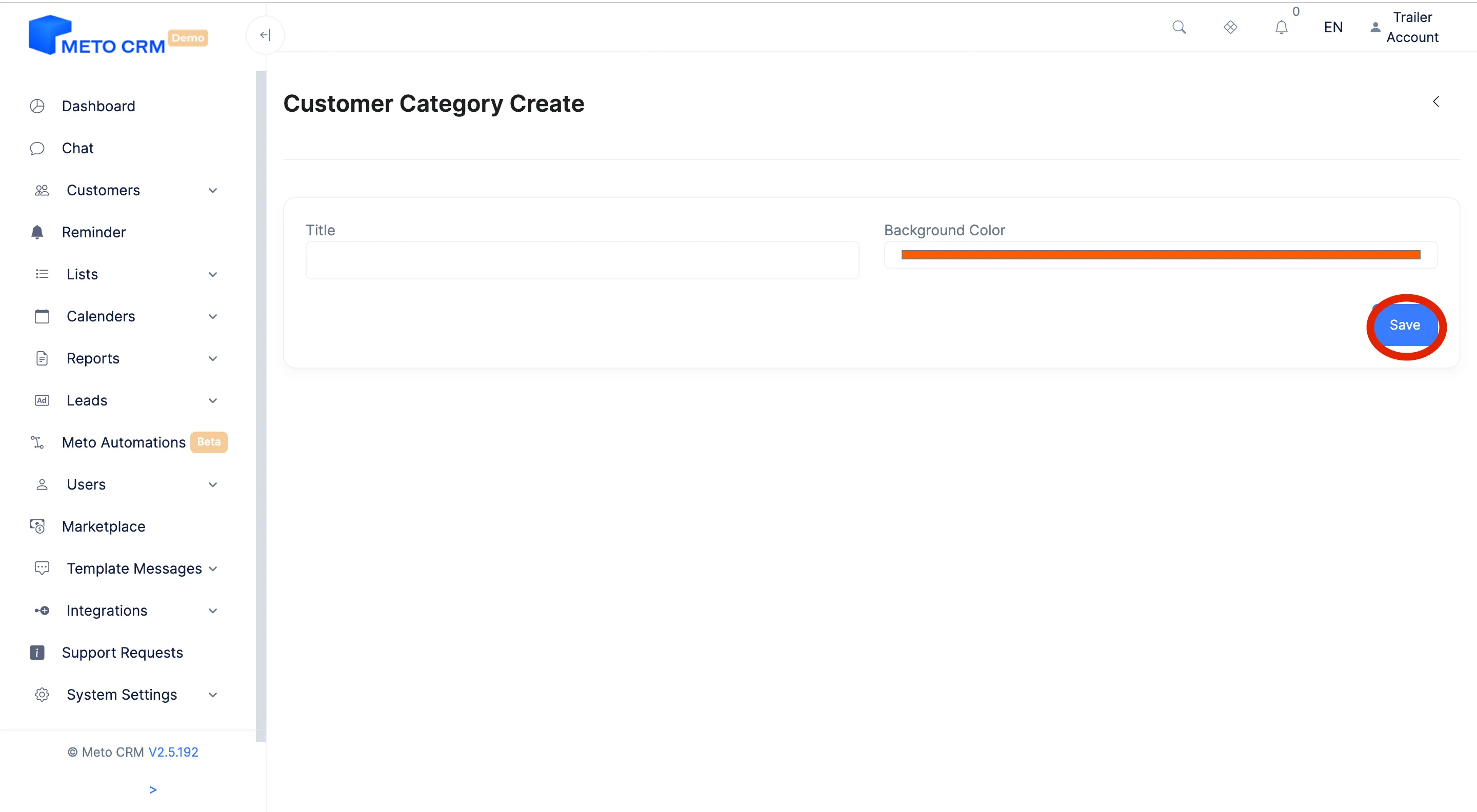
- Type in the name of the category you want to add for the patient. Click the Save button to complete the process.
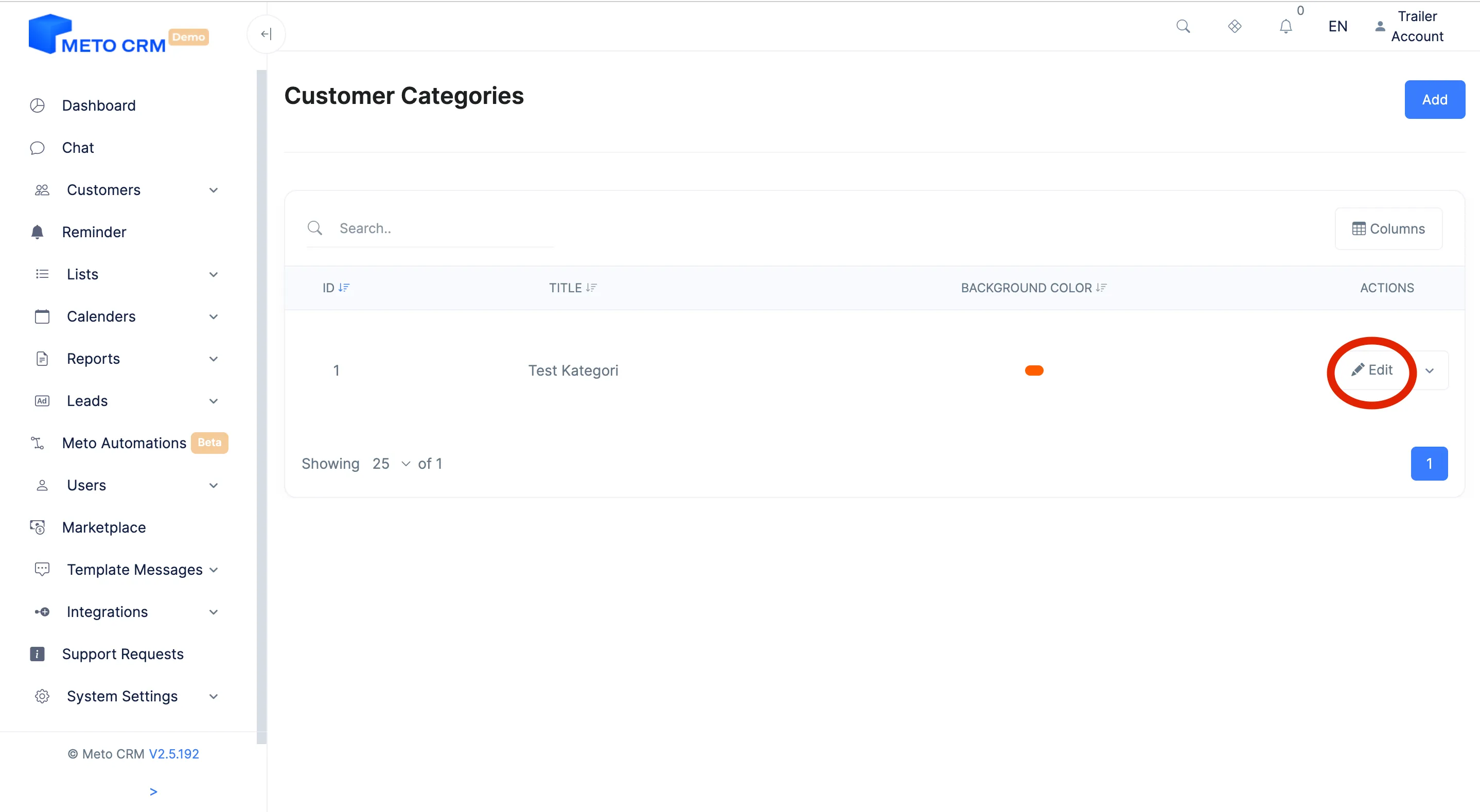
- If you want to edit, click the Edit button on the right of the customer category row you added, and complete the process. Edit the customer category, click the arrow button on the right of the Edit button.
- If you want to delete the customer category, press the Delete button.
Tips and common mistakes
- Tip Name categories the same way as your product categories. Different naming disconnects quotes from reporting.
- Careful Update the category if the treatment the patient is interested in changes. Records left on the old category get counted against the wrong treatment in campaign reporting.
Frequently asked questions
Can a patient have more than one category?
The category is a single classification. For a patient interested in several treatments, set the main interest as the category and mark the rest with tags.
Where does the category show up in reporting?
In the sales report and in customer list filters. It is the breakdown that tells you how many quotes and how much revenue each treatment produced.