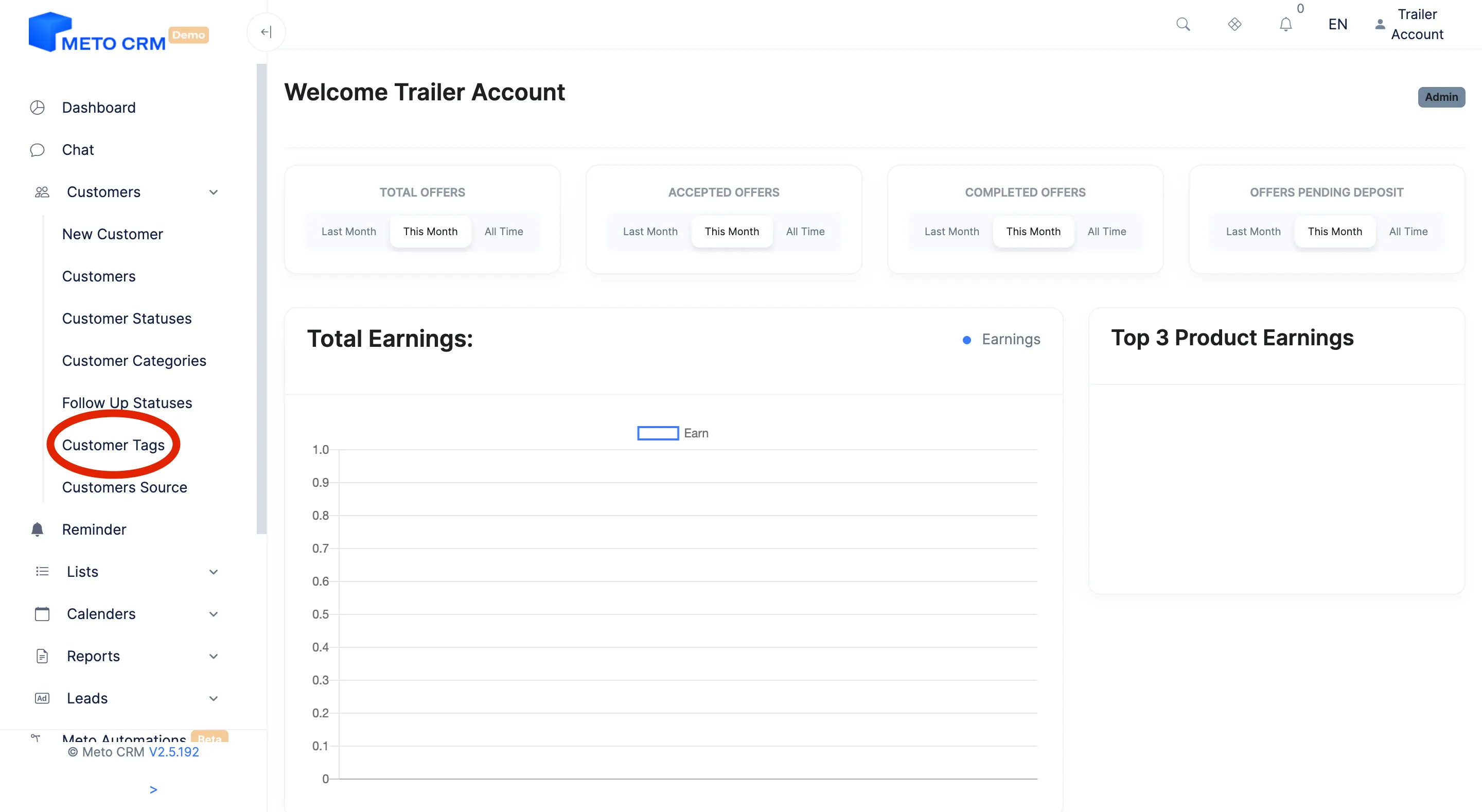
Open the Customers -> Customer Tags page from the main menu.
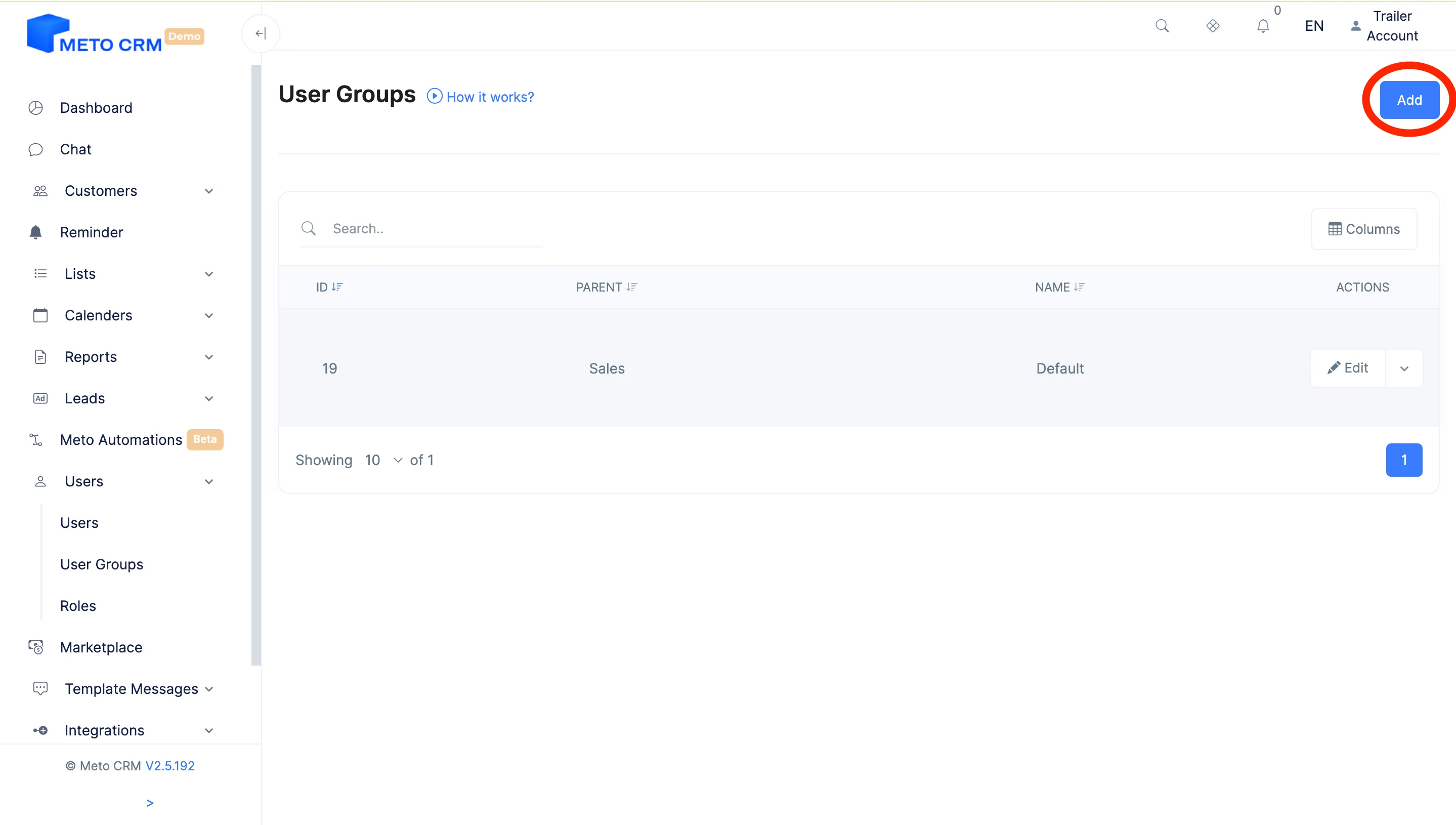
Click the Add button in the top right corner.
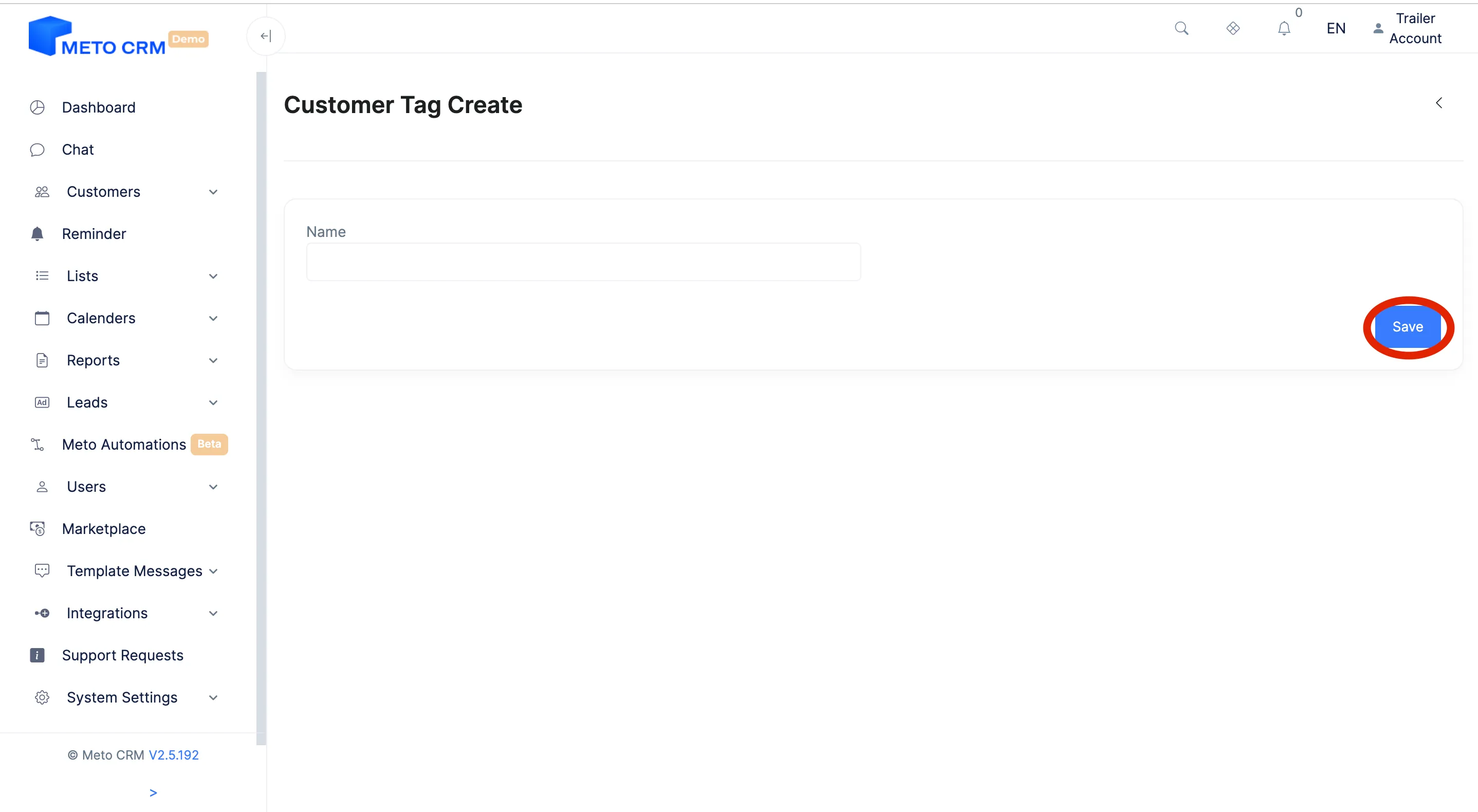
Enter the name of the label you want to add to the customer.
Click on the Save button to complete the process.,
If you want to edit, click the Edit button on the patient label row you added.
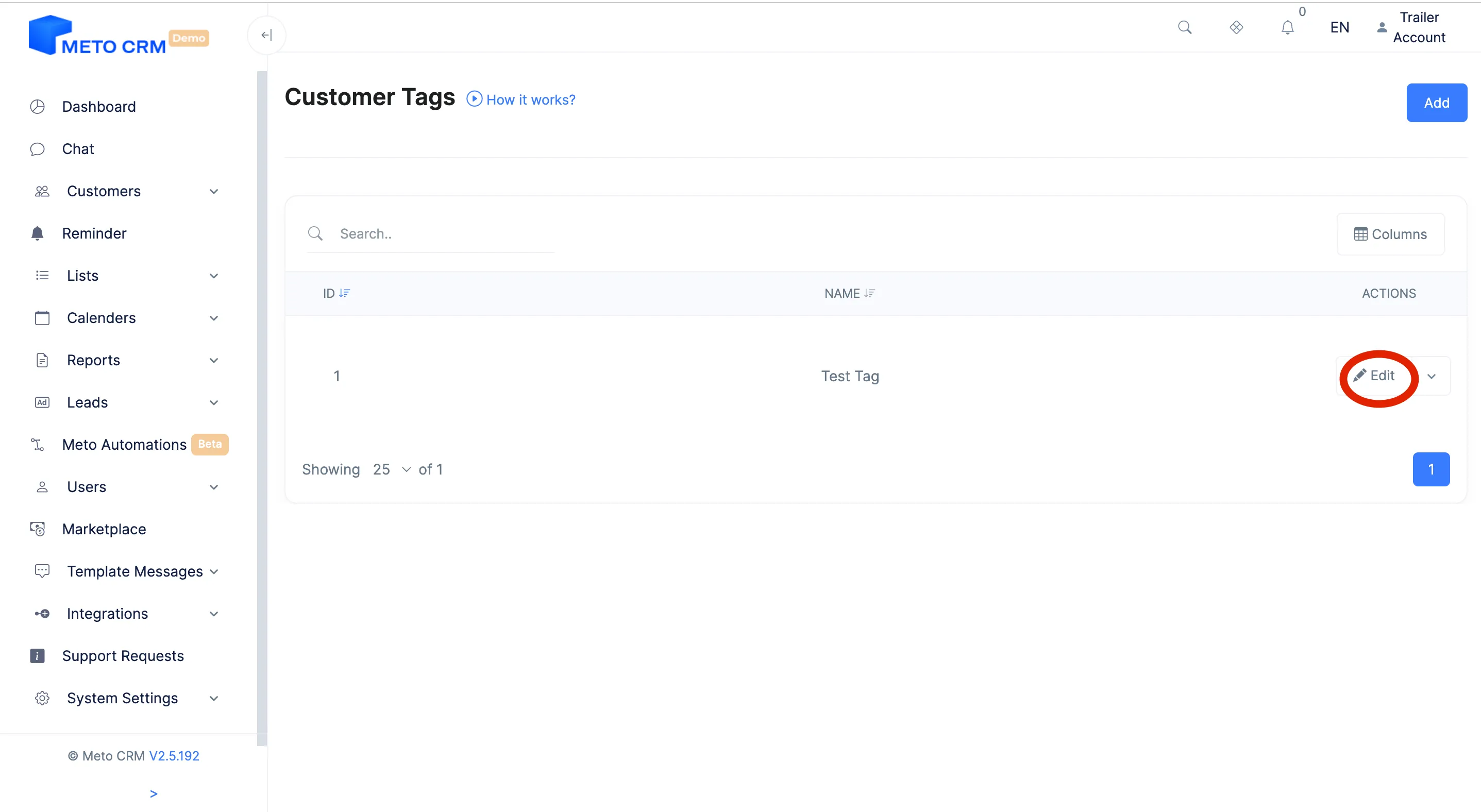
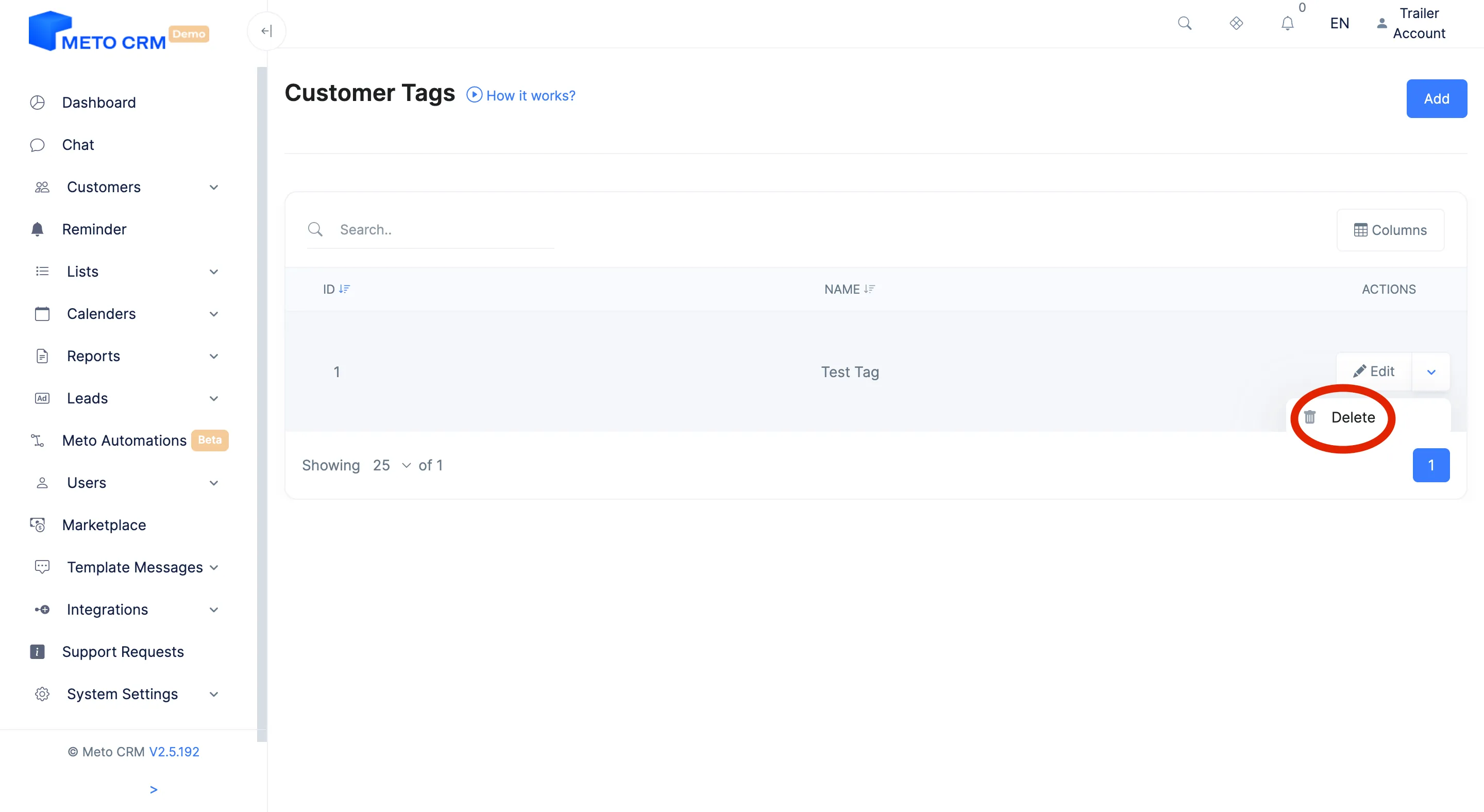
If you want to delete the customer tag, press the Delete button.