


Patient management
How to add a customer tag
Marking patients with free-form tags: adding, editing and deleting customer tags.
Where to find it
CustomersCustomer Tags
Tags are the free-form marks that status and category do not cover: "VIP", "travelling with spouse", "needs a visa", "spring 2026". Anything that will not fit a fixed list but that you will want to filter on belongs here.
Their real power shows in bulk work: filter by a tag and you can message that group or change their status in one operation.
Step by step
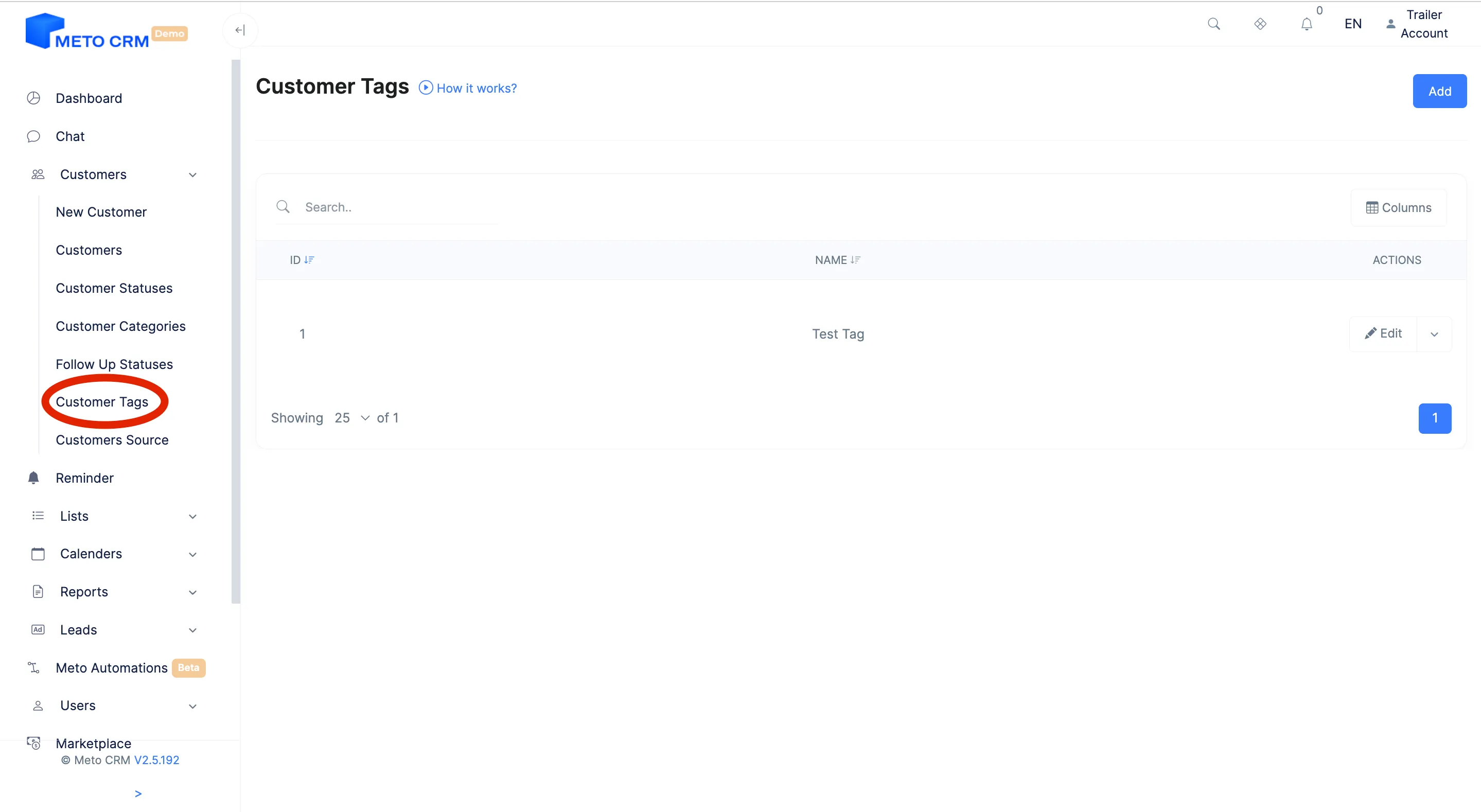
- Click on the Customer Tag button under customers from the menu on the left.
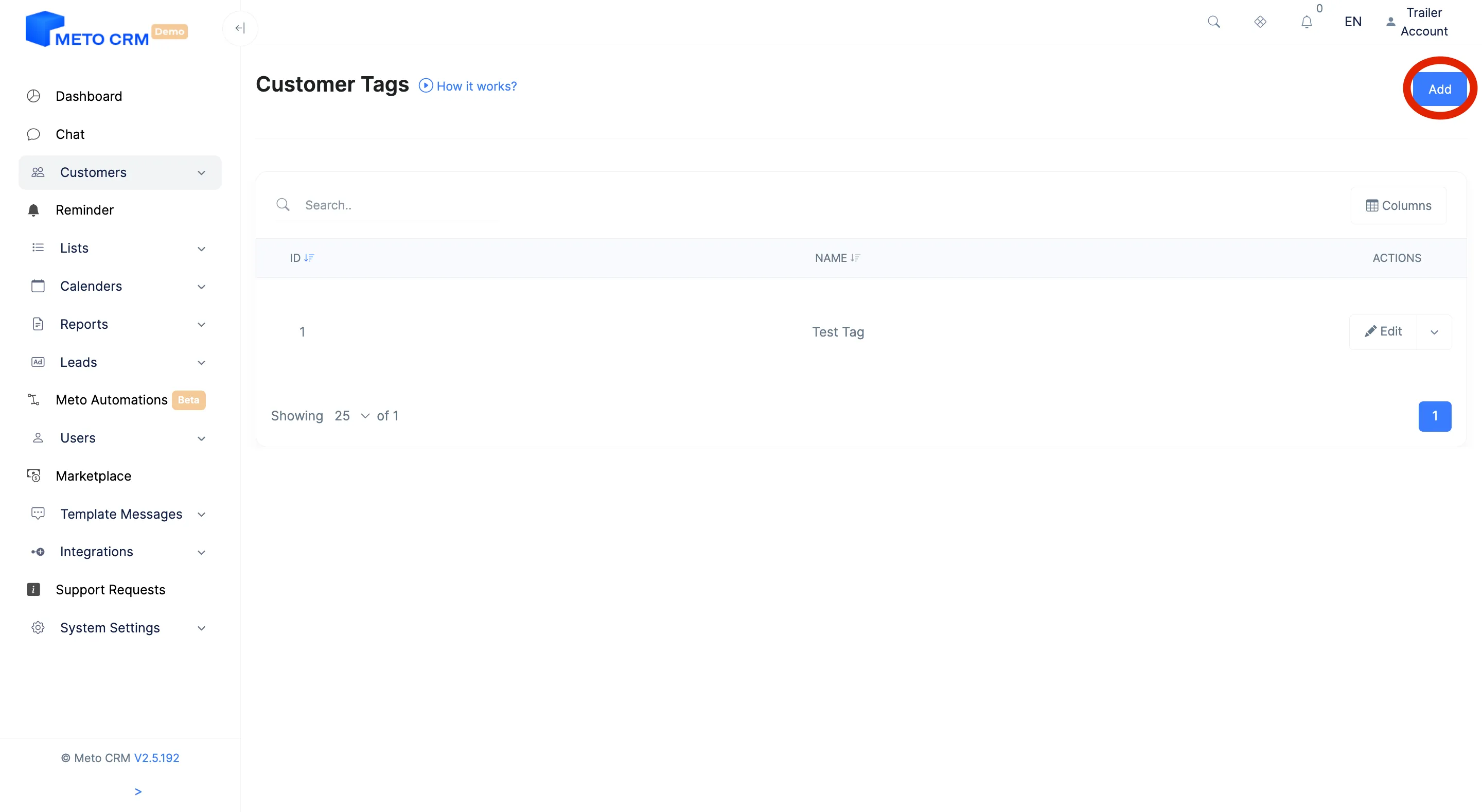
- On the page that opens, click the Add button at the top right.
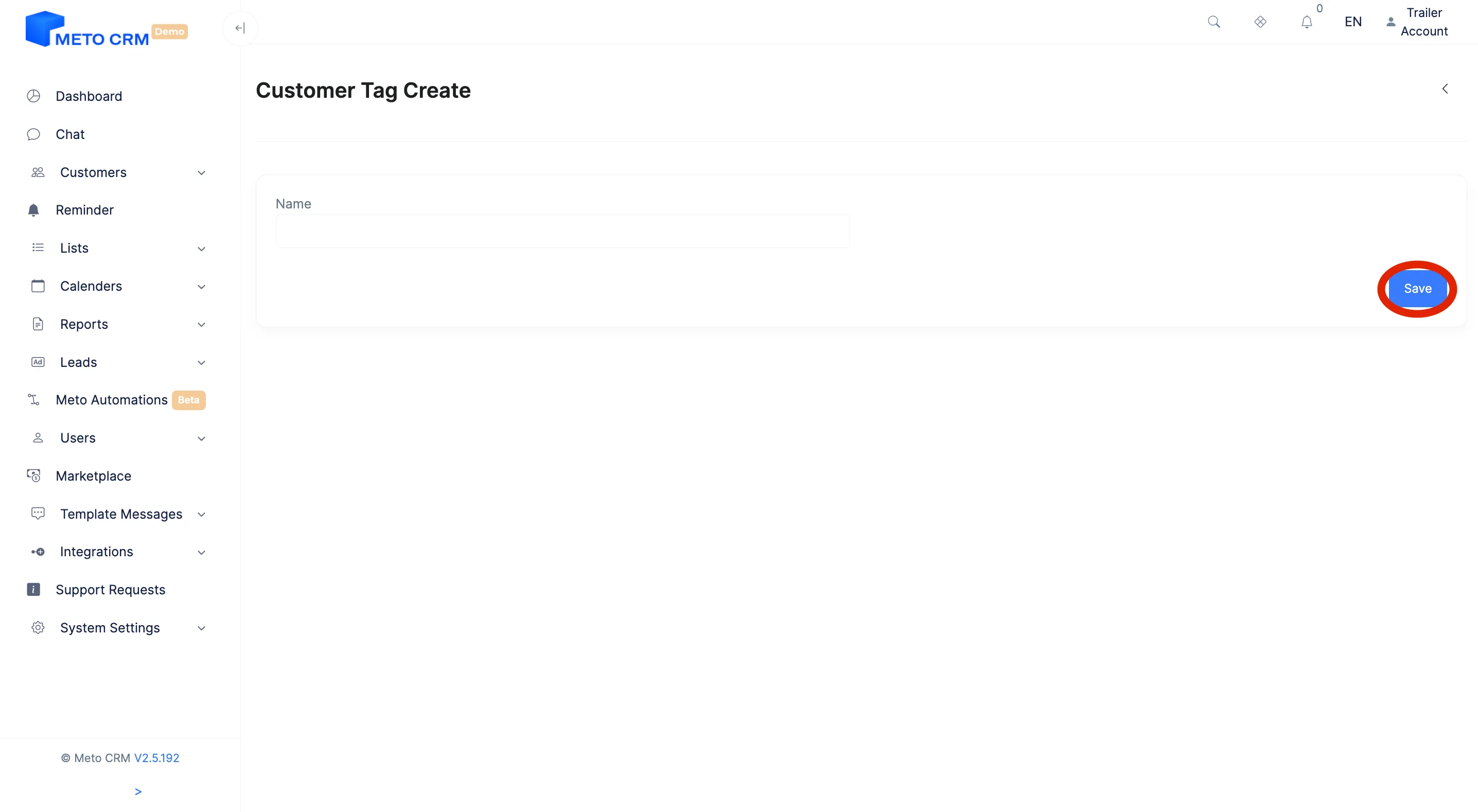
- After the page opens, fill in the fields on the screen and click the Save button.
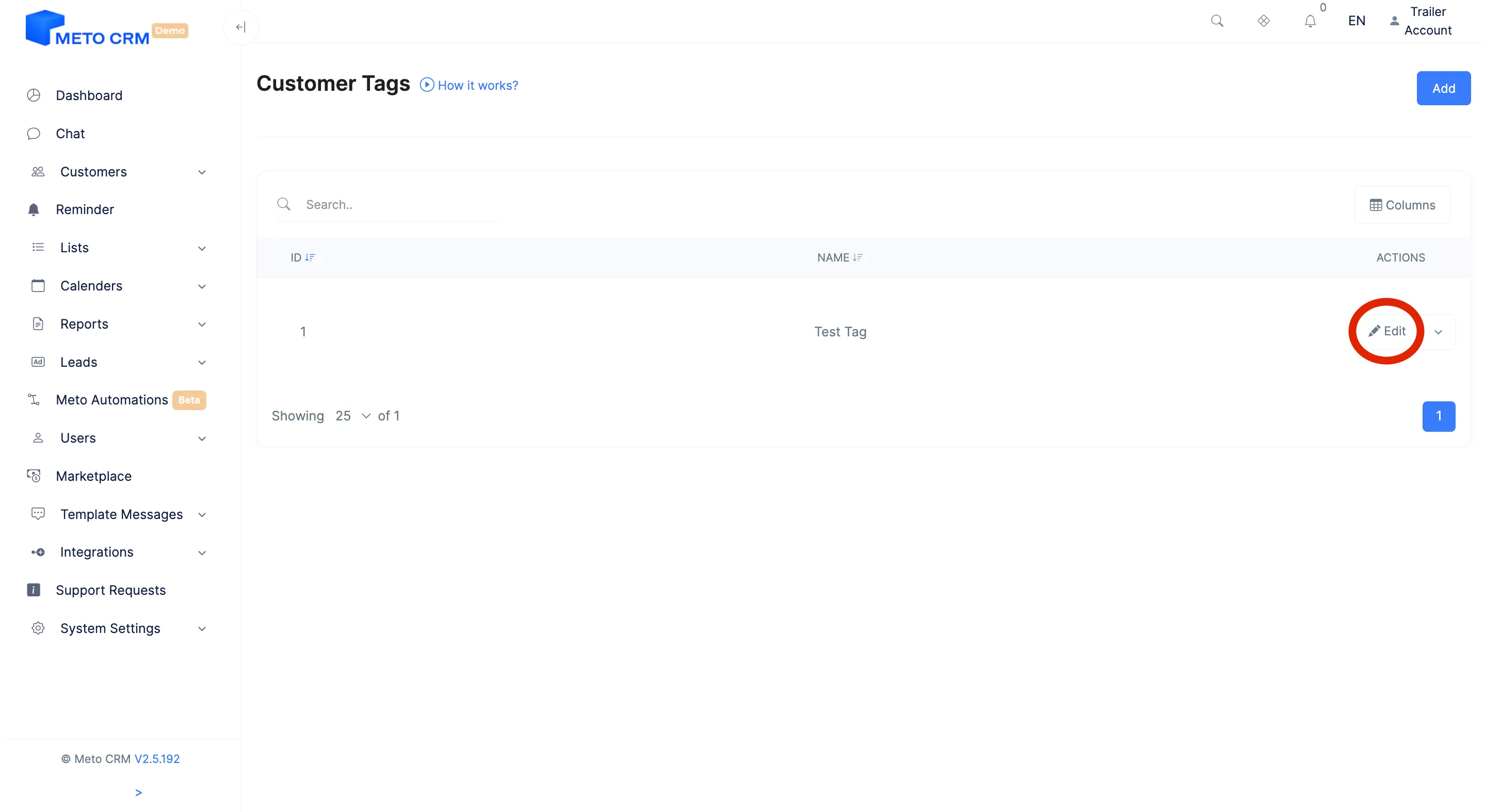
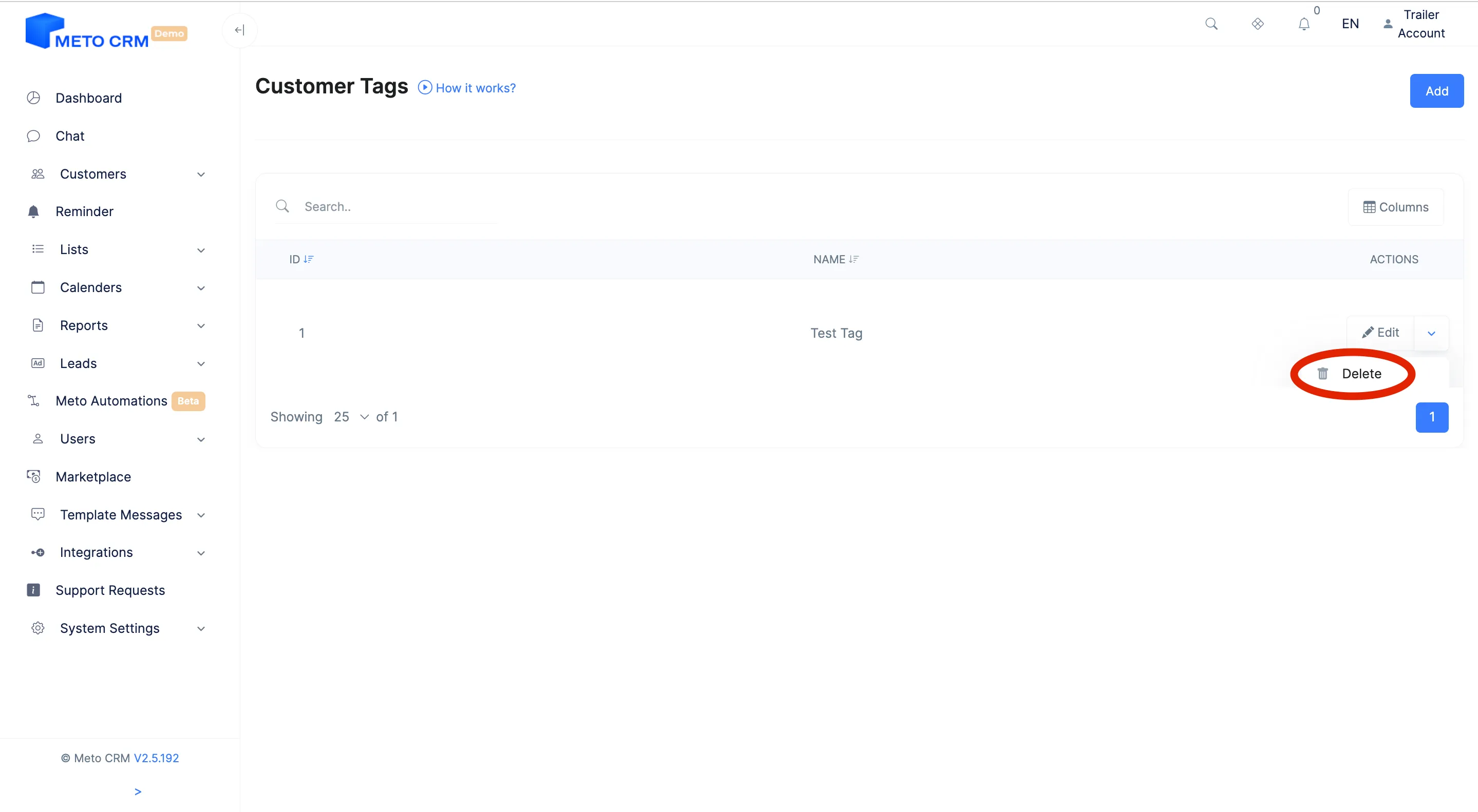
- If you want to make changes to the created customer tag, press the Edit button.
- If you want to delete the created customer tag, press the Delete button.
Tips and common mistakes
- Tip Standardise tag names from day one. "vip", "VIP" and "V.I.P." are three separate tags, and they split your filters until the tag stops doing its job.
- Tip Bulk tagging only adds the tag where it is missing; existing tags are kept and no redundant record is created.
Frequently asked questions
What is the difference between a tag and a category?
A category is singular and names the treatment; a tag is plural and free-form. A patient sits in one category and can carry five tags.
Can I add tags in bulk?
Yes — filter the customer list and tag the selected patients at once. The job runs in the background and you follow its progress on the Bulk Operations screen.
If I delete a tag, does it disappear from patients?
Yes, removing the definition removes it from every record carrying it. To keep the history, stop using the tag rather than deleting it.