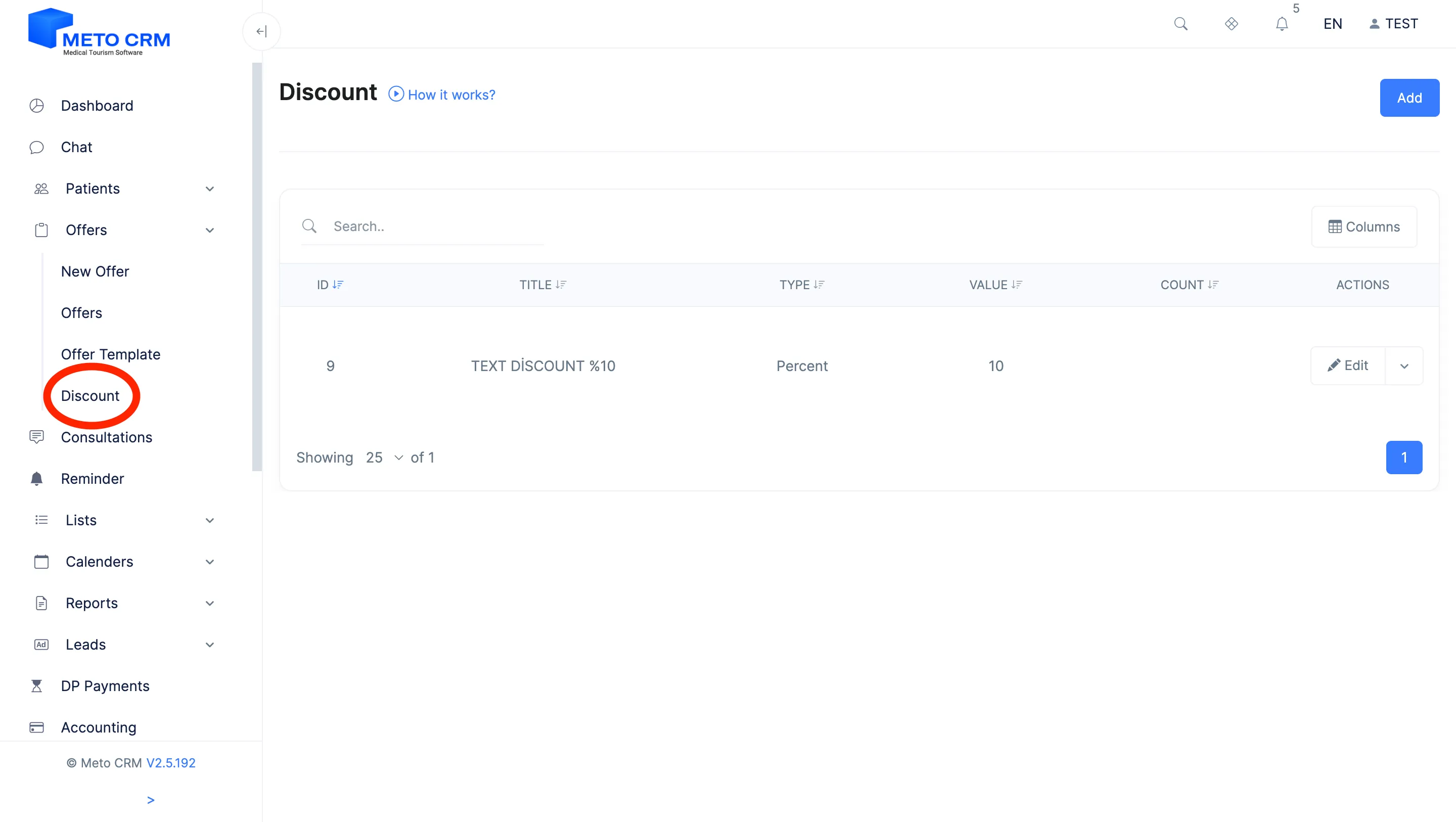
Click on the Discount button under system Offers from the menu on the left.
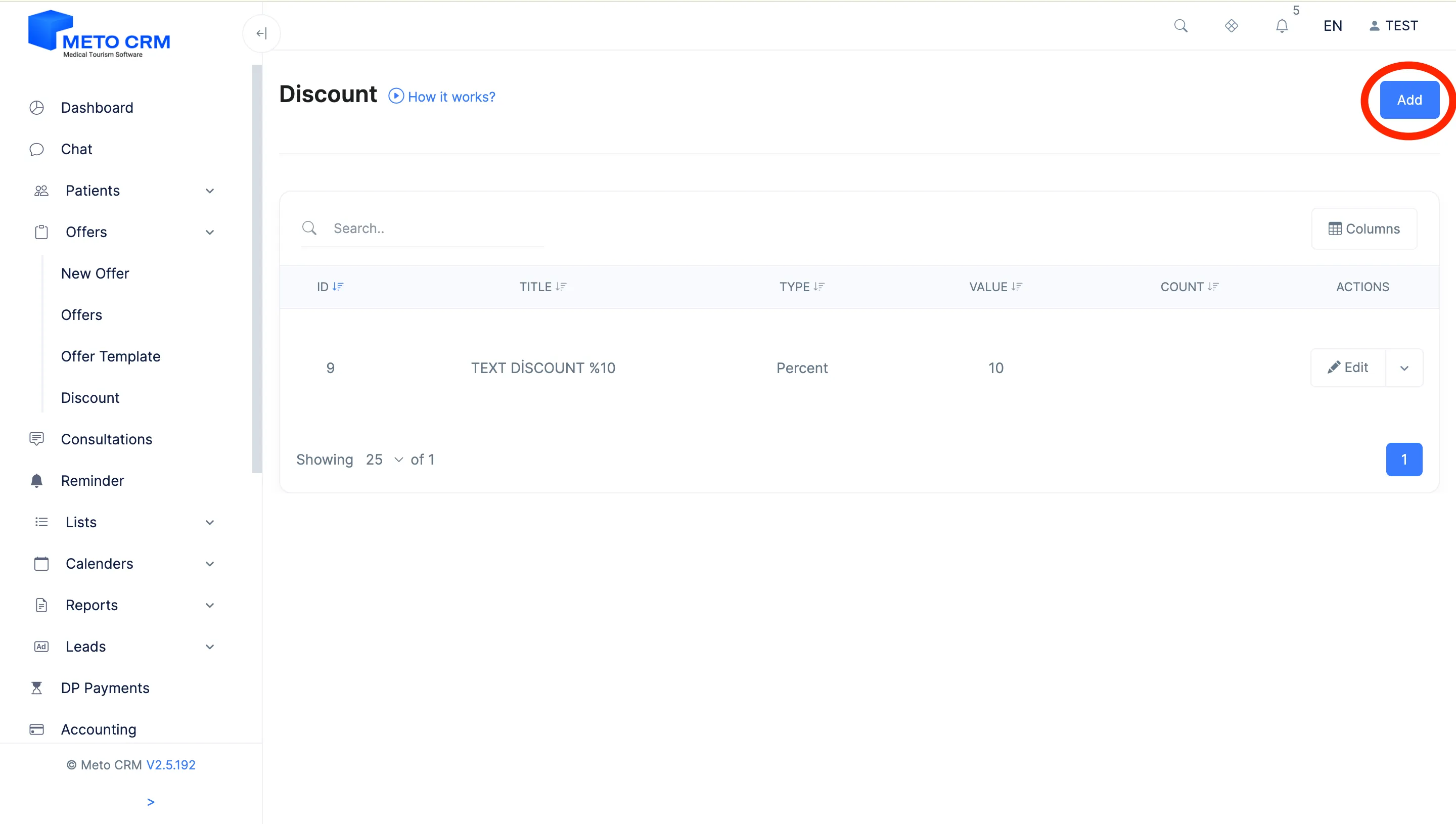
Click the Add button on the right of the page that opens.
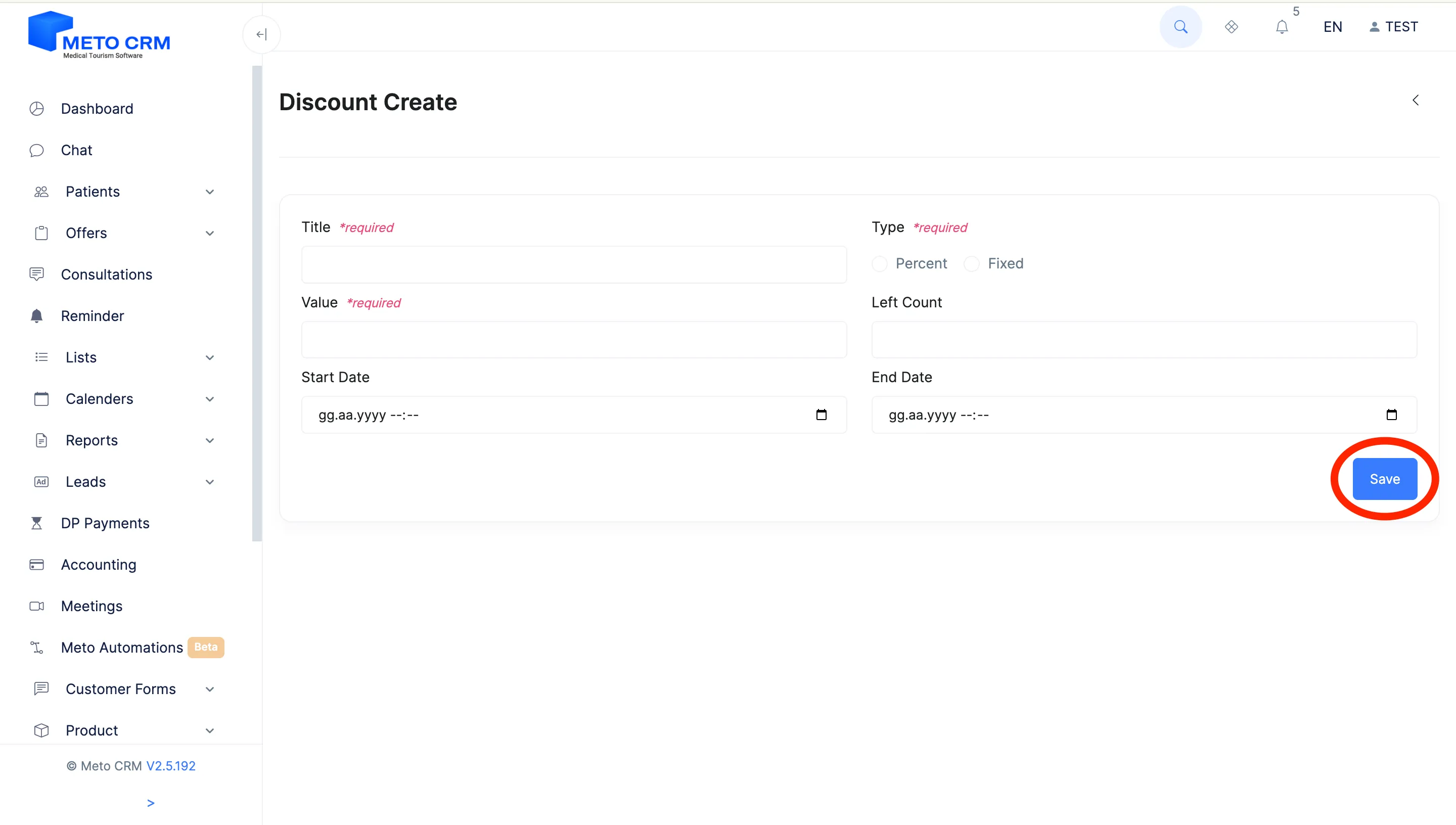
After filling in the fields on the page that opens, click the Save button at the bottom right.
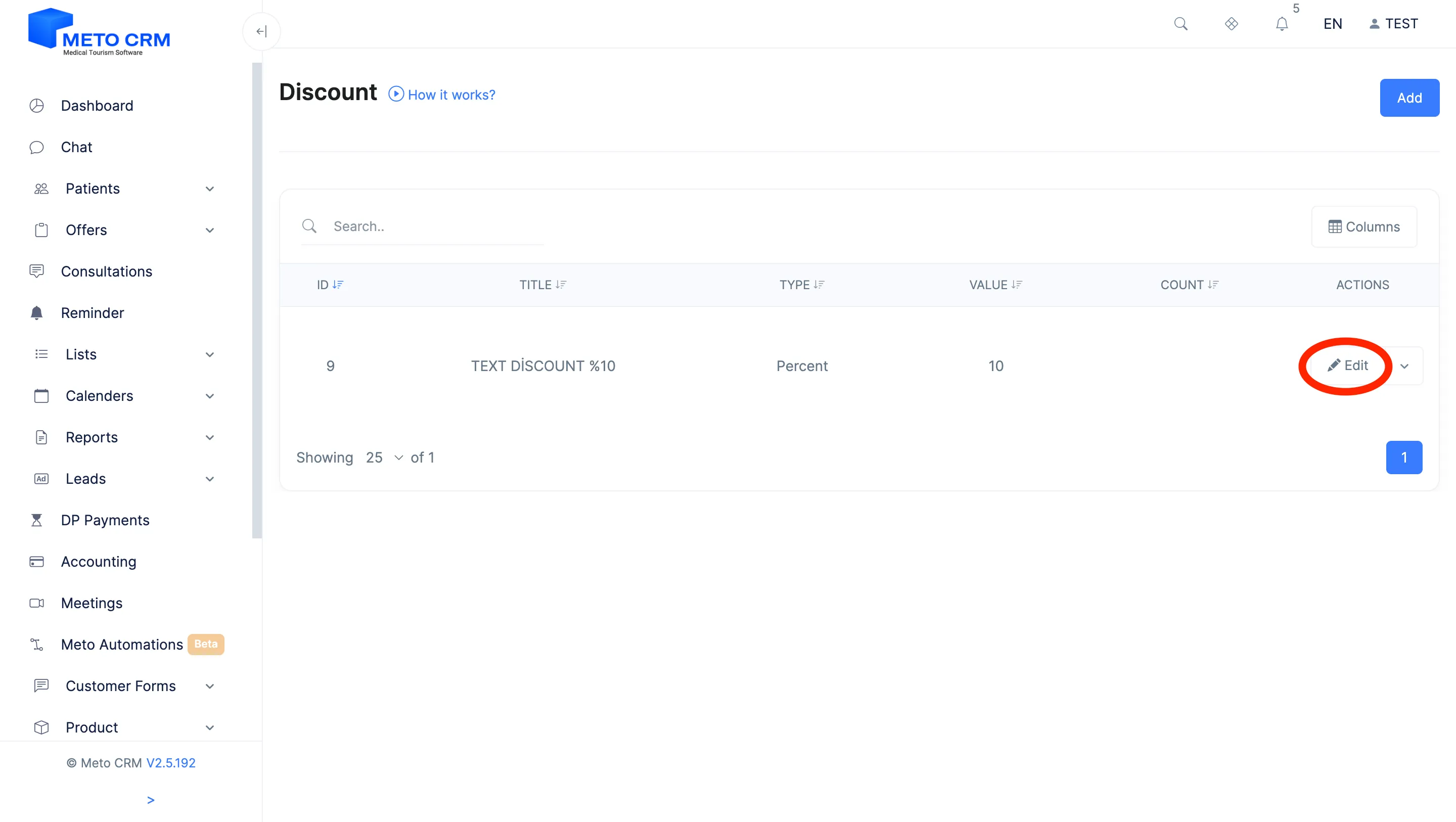
If you want to make changes to the Coupon Code, click the Edit button.
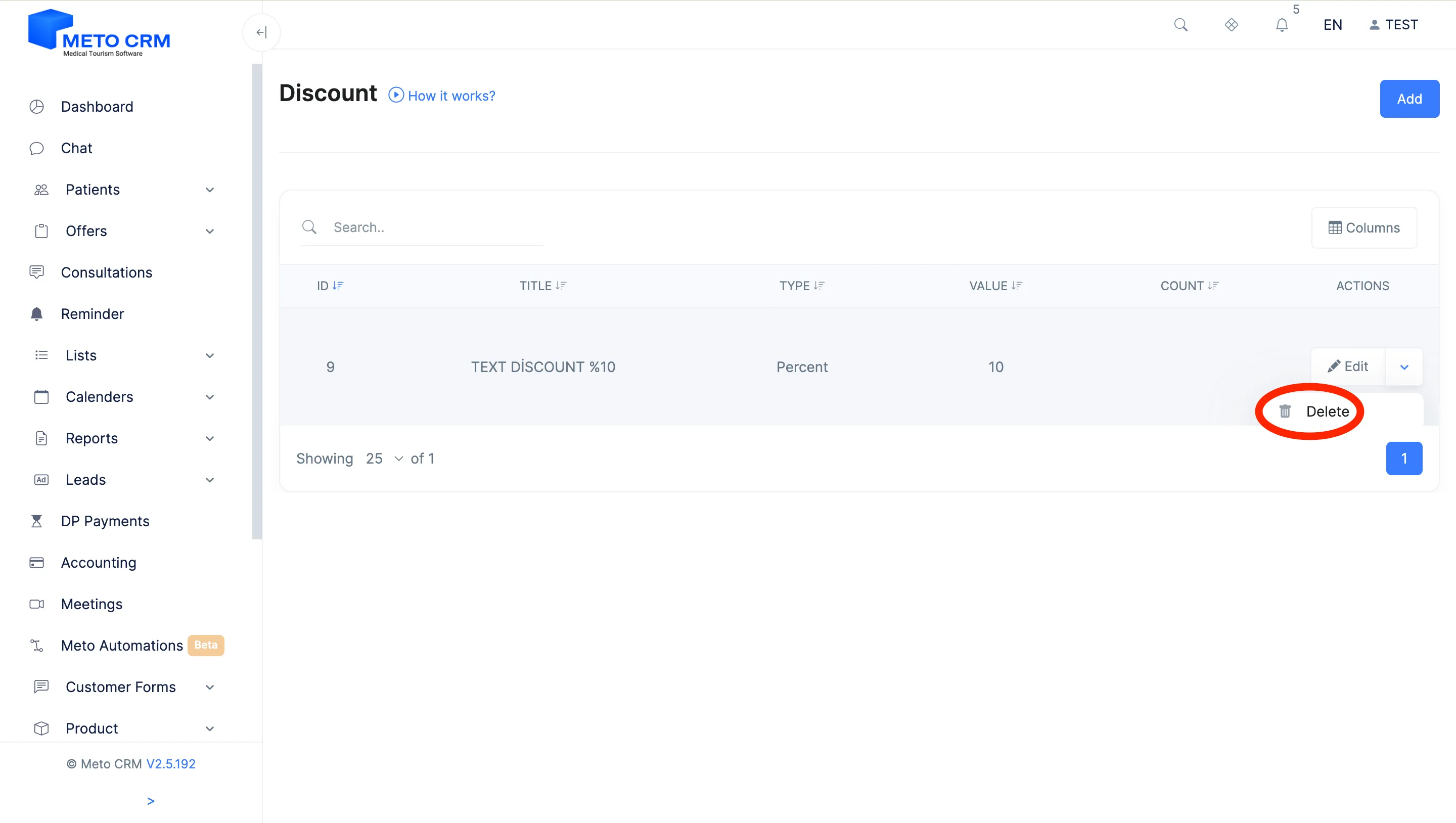
If you want to delete the Coupon Code, click the Delete button.
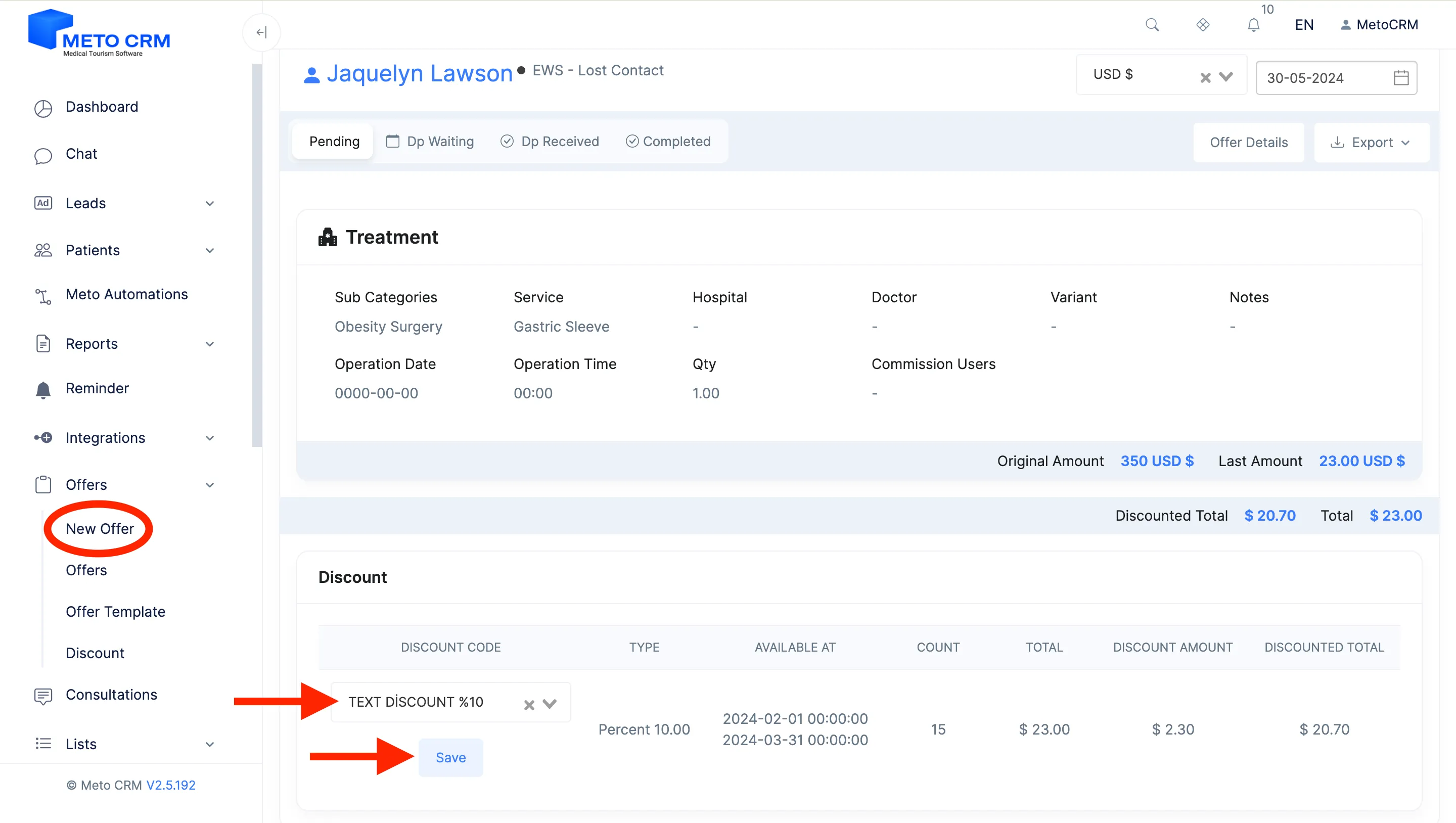
After preparing your Coupon Code Offer, it will automatically appear at the bottom of the page for you to select.